Sharing
Share directly or with the community
The simplest way to share a moment is still a link. Moments also has a calm community feed for work people explicitly choose to place there. Neither route depends on popularity, and publishing to your journal does not silently opt every moment into broader distribution.
Share the source
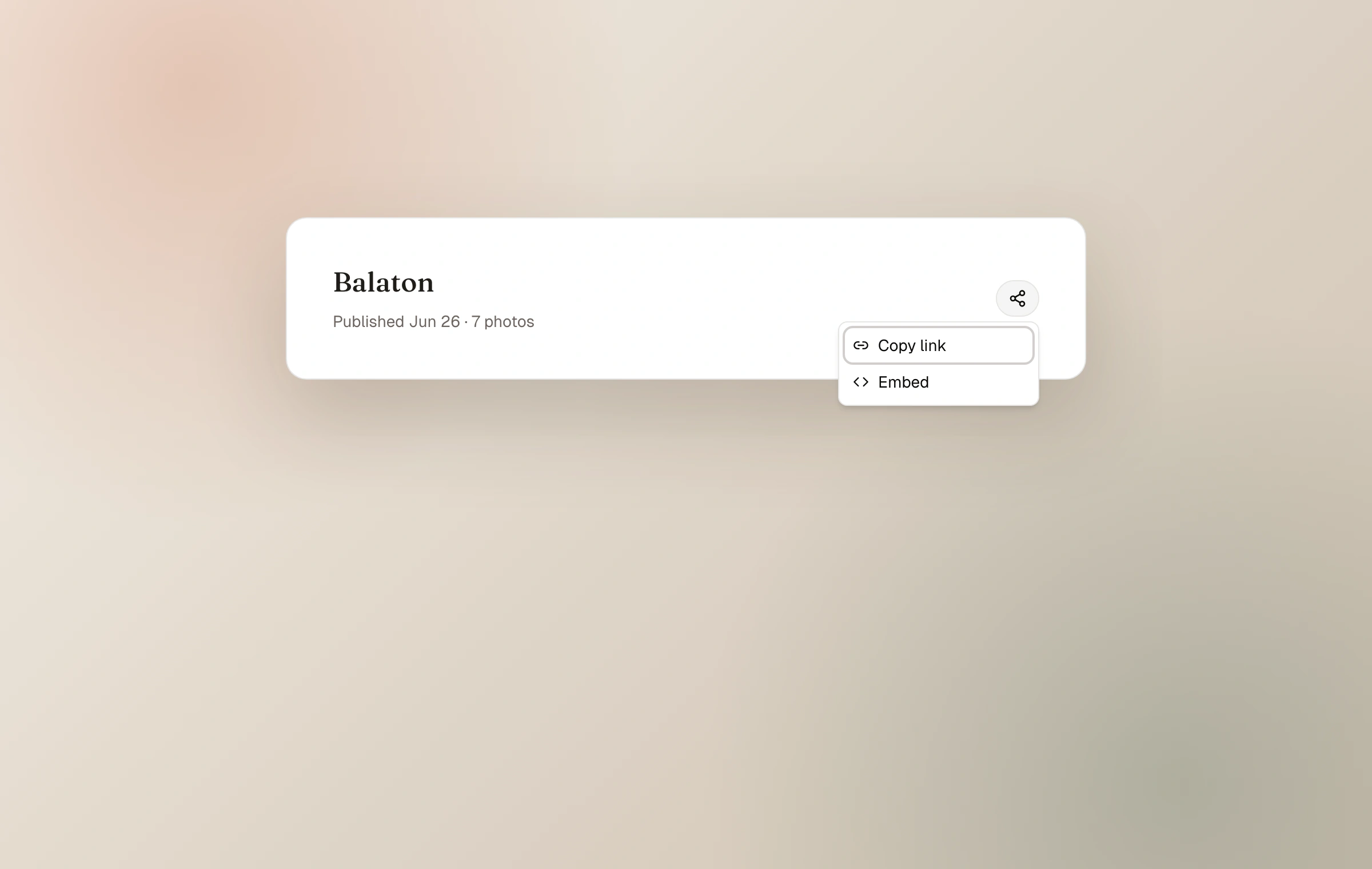
A published moment or collection has a share control that copies its public link. Send that link in a message, place it in a post, or keep it as the canonical reference to the work. Anyone opening it sees the current version, so corrections and additions do not require a new URL.
For an unlisted moment, the link itself is the invitation. For a password-protected moment, send the link and password to the intended people; sharing the password through a separate channel is the more cautious choice for sensitive work.
The Moments community
The community page is a chronological view of moments people chose to share, with no popularity ranking or engagement score. A public moment joins it only when “share with the community” or “share beyond your journal” is enabled for that moment.
That choice can be changed later. Turning it off leaves the moment public on its own journal but removes the intention to distribute it through community and open-web channels. Unlisted and password-protected moments cannot join the community.
Follow the wider community
The community itself has an RSS feed and a Fediverse identity. Readers can follow the recent, curated flow without creating a Moments account. This is separate from following one particular journal.
The journal directory is separate
The Journals directory is a directory of active journals, not a second version of the Community feed. Verified journals can appear there even when none of their moments is currently shared with the community; journals with recent public work appear first.
Email verification is required before a journal or its shared moments can enter these discovery surfaces. Turning off one moment's community choice removes that moment from Community, but it does not opt the whole journal out of the Journals directory.
Keep reading
Related guide
Choose who can see a moment
A precise guide to Public, Unlisted, and Password, including the separate choices for community and conversation.
Related guide
Connect the journal to the open web
How RSS, the Fediverse, and Webmentions let a journal meet readers beyond Moments without becoming a social feed.
Related guide
Follow journals with RSS
Use the automatic chronological feed available on every public journal, with no account and no algorithm.
Related guide
Put Moments on another site
Embed one moment, a living collection, or a recent-moment feed with a layout and color chosen for its new home.