Changelog
What's new
The features and improvements we've shipped, newest first.
Add moments from the apps you carry
Every journal now speaks Micropub, the open web standard for publishing to your own site. Approve an app once and it can add moments from wherever you are, photographs and field note included.
Read update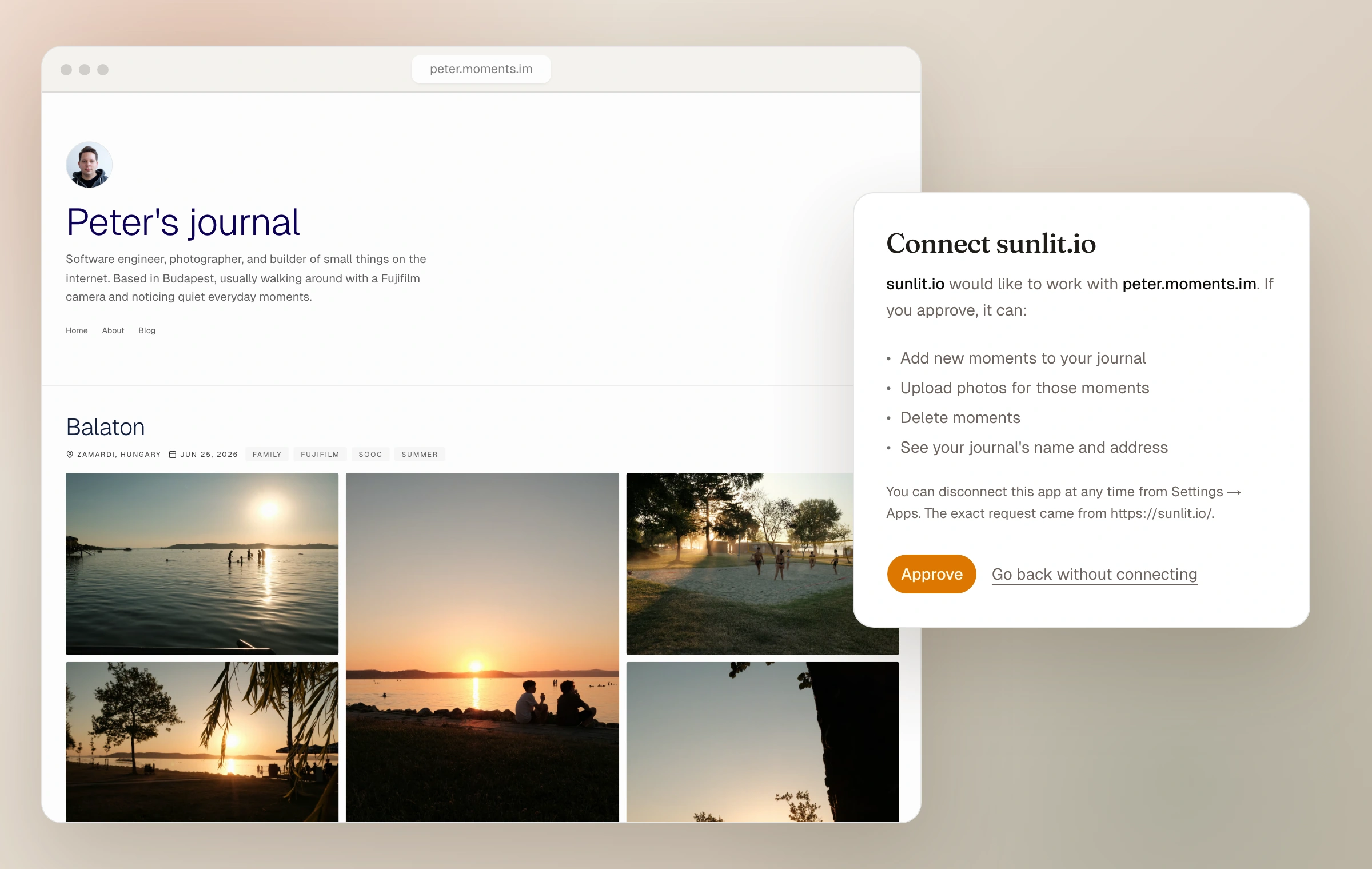
A website in every export
Every export now includes a static copy of your journal in its own theme. Open index.html to read it offline, or follow the included README to put a prepared copy on any web host.
Read update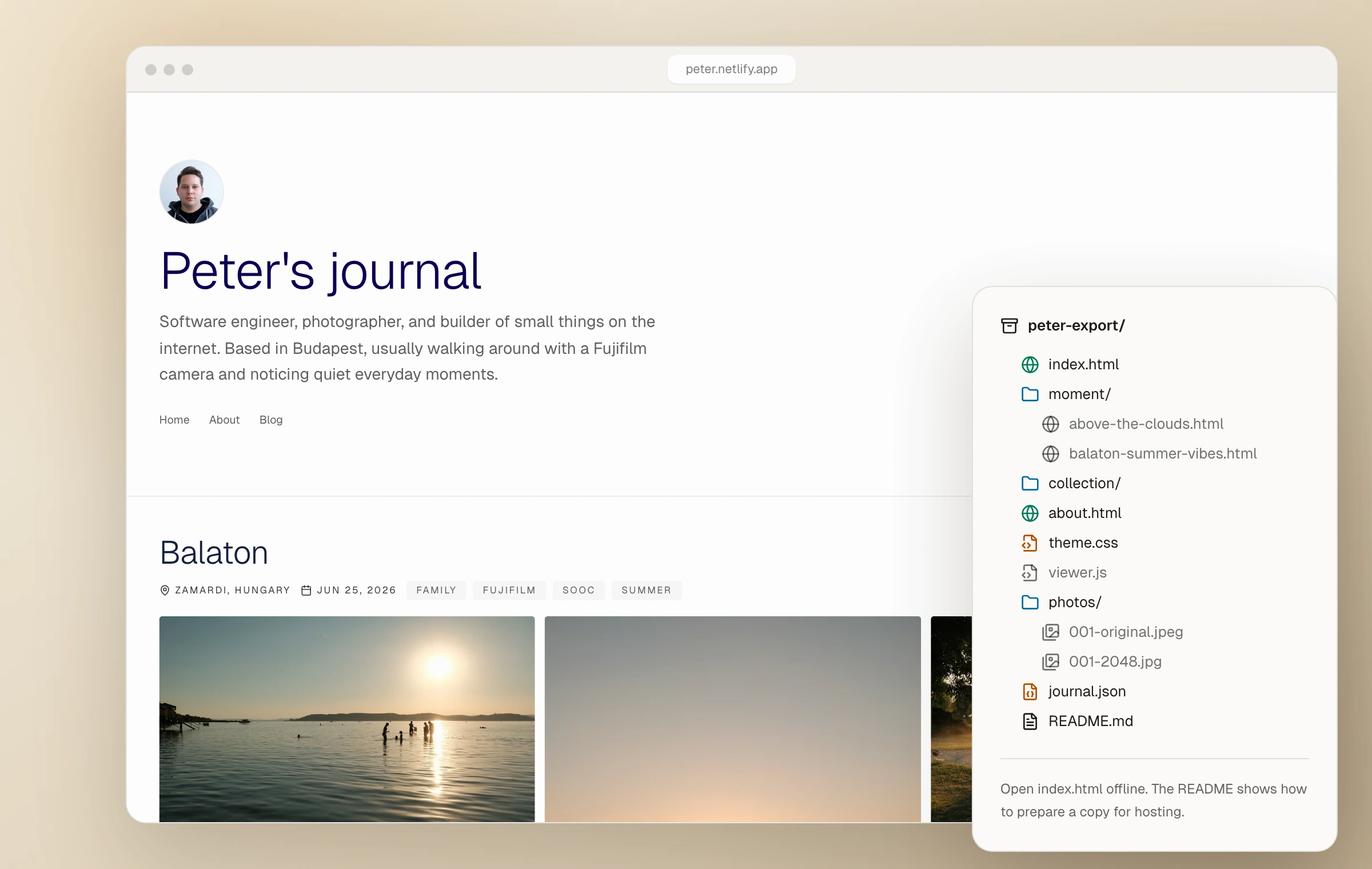
A handbook for the whole of Moments
Moments now has a complete Handbook: one calm place to learn how every part of a photo journal works, from the first photographs to themes, privacy, the open web, and ownership.
Read update
Moments Plus
Moments is leaving its early Founding Supporter chapter with a lasting plan for what comes next: Starter stays a real free journal, while Moments Plus gives paid features a clear home.
Read update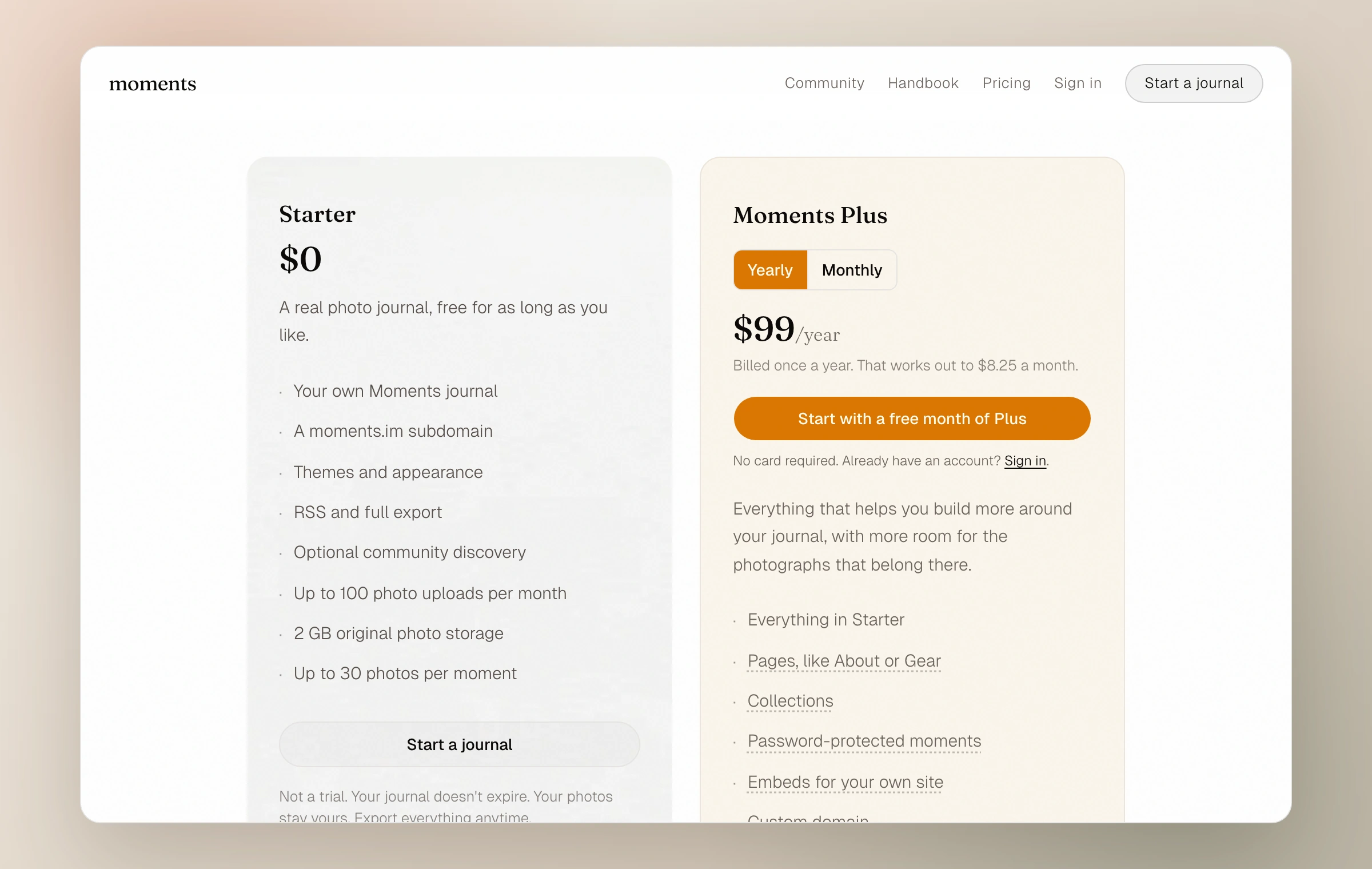
Your journal, down to the last line of CSS
Custom CSS can now take a journal beyond the Appearance controls. Change a typeface, reshape a moment, or write a complete theme while the live preview responds beside you.
Read update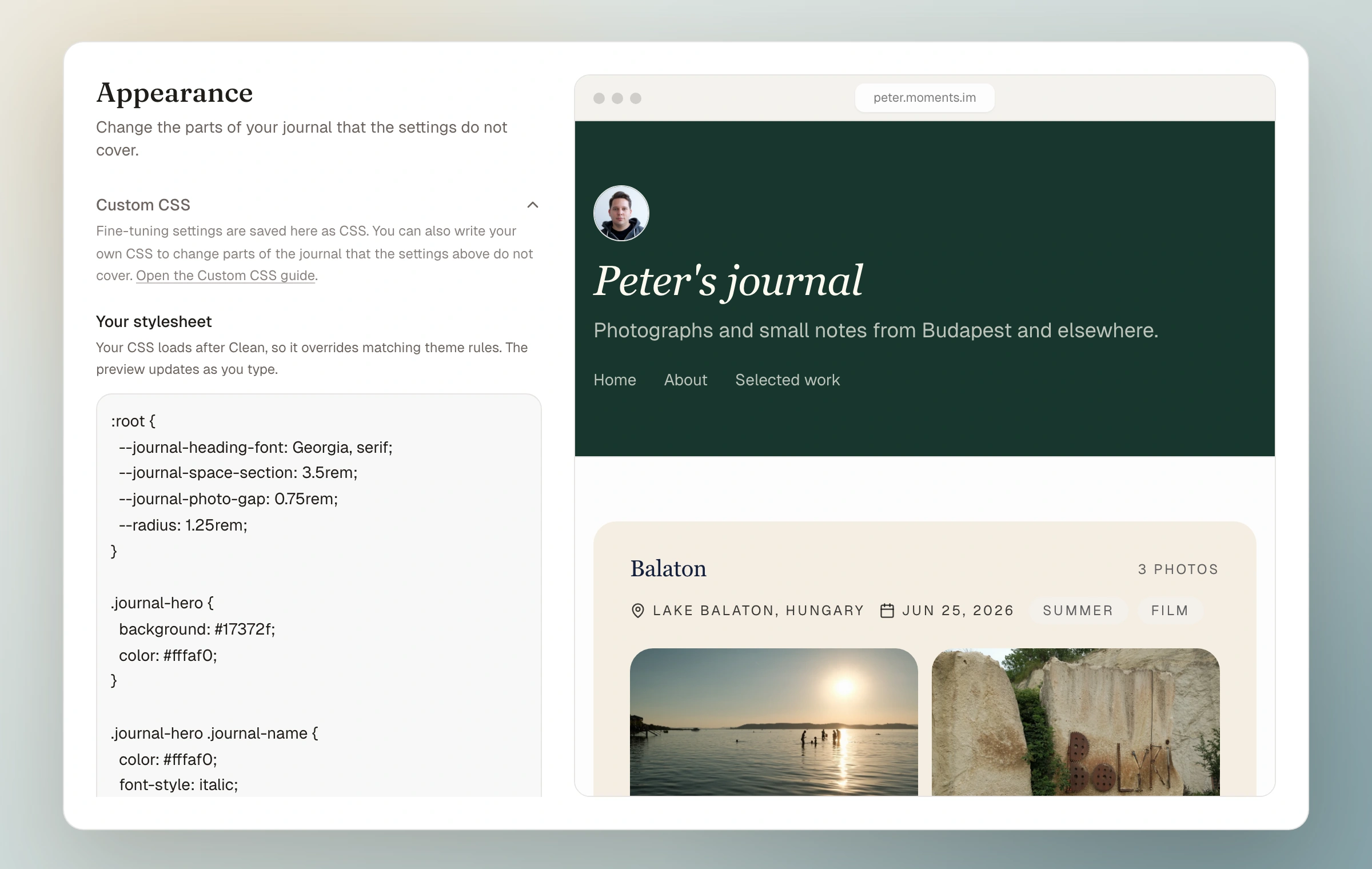
Nine new rooms for your photographs
Moments Plus now includes nine themes that reshape the whole journal, not only its colors. Each gives the header, moments, and photographs a different way to inhabit the page.
Read update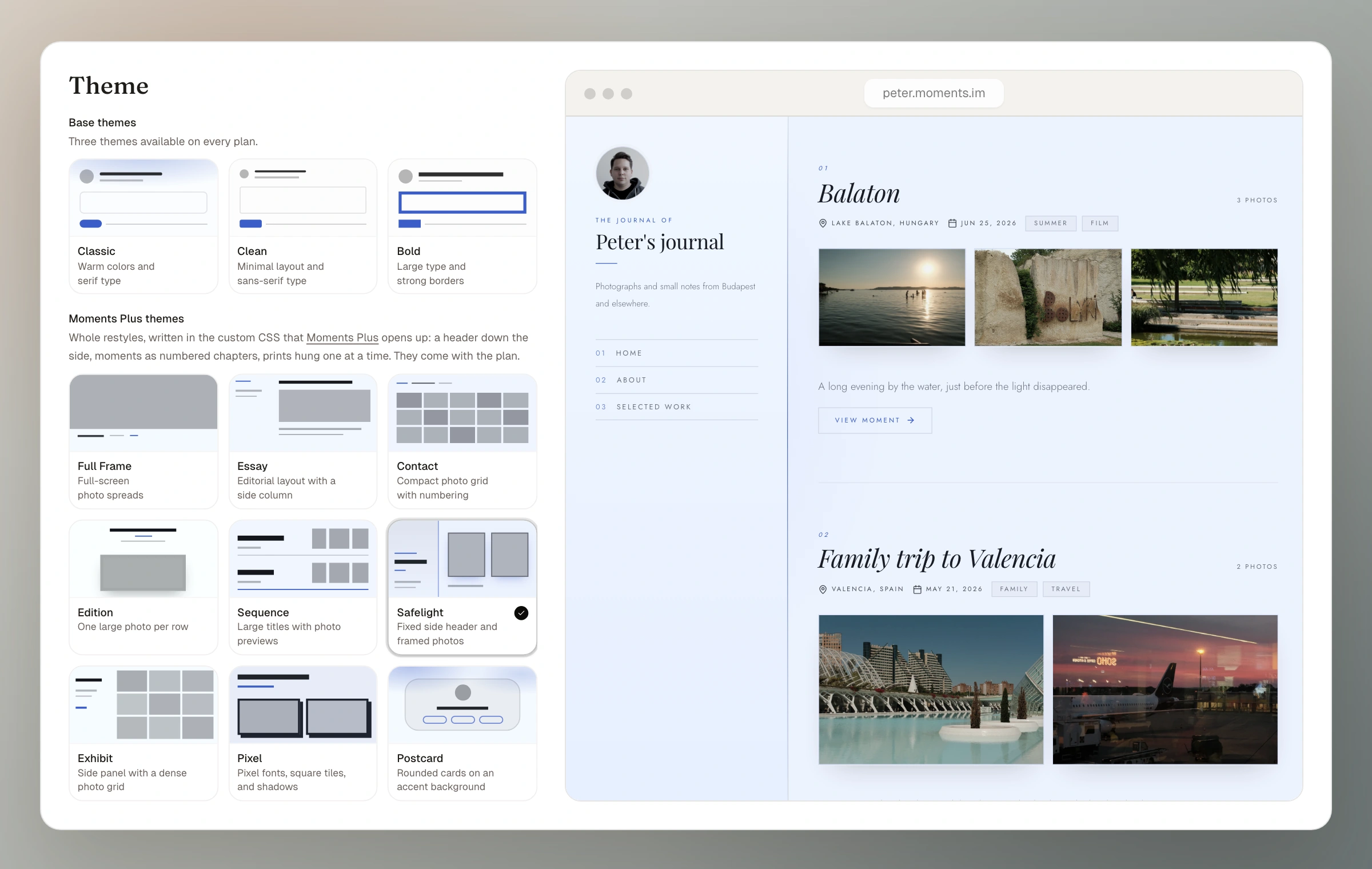
A password at the door
Moments can now be shared behind a password. Give someone the link and the password, and the photos stay closed to everyone else, with no account or sign-up needed.
Read update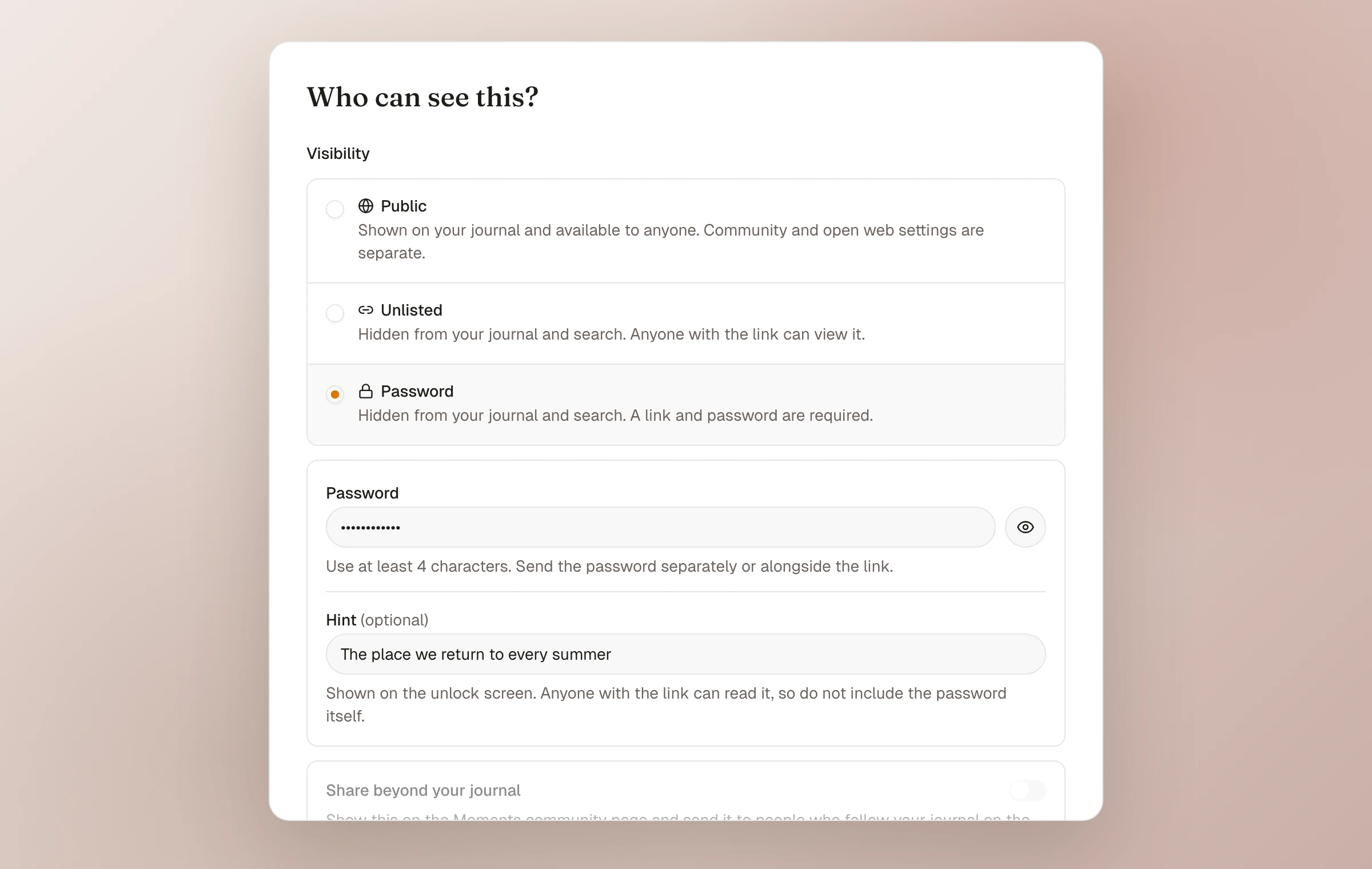
Embed a living collection
Collections can now be embedded, the same way moments can. Place a curated set of photos or whole moments on your blog, about page, travel post, or personal site, and it will keep itself up to date.
Read update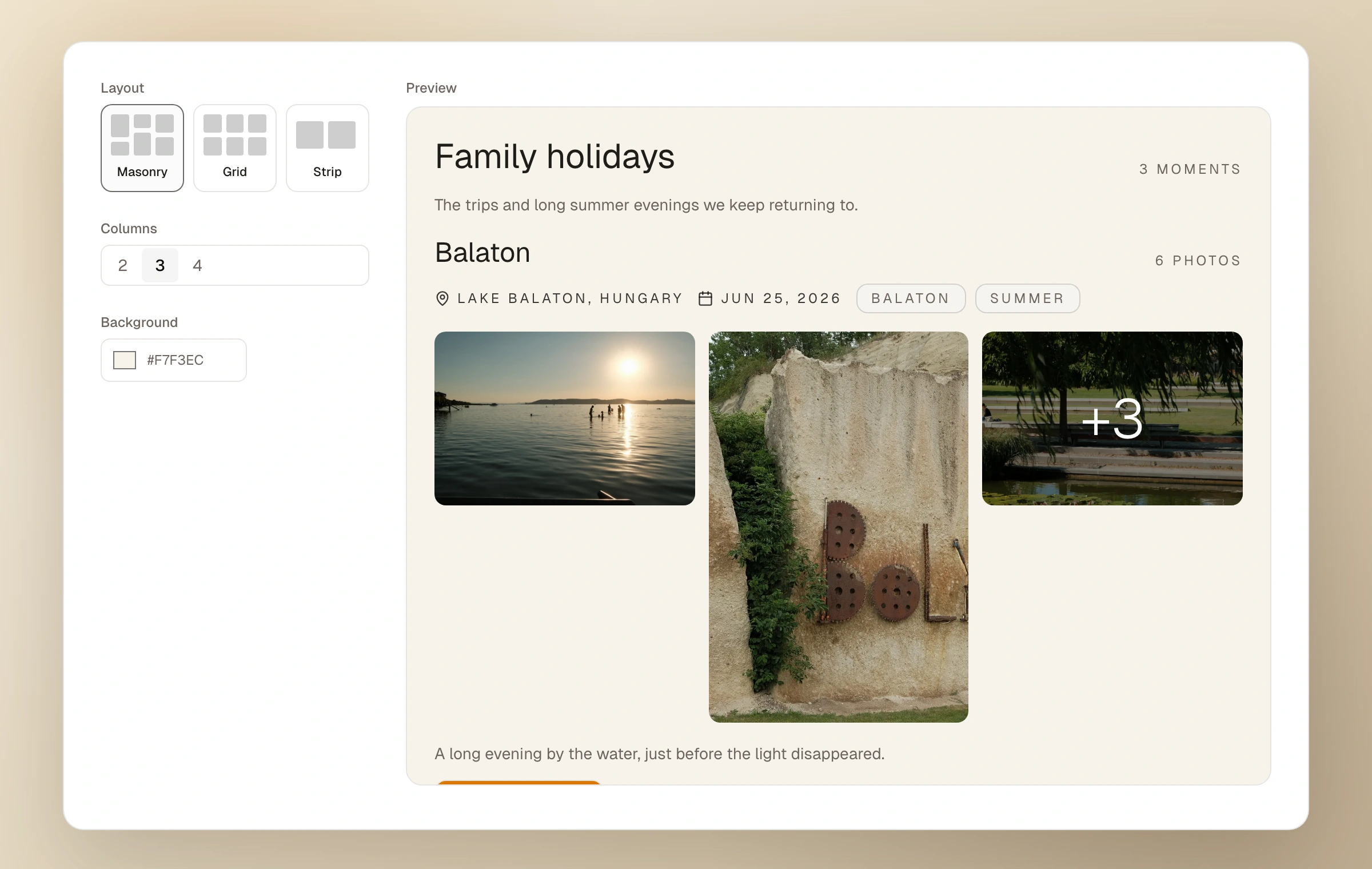
When the wider web links back to your moment
Your moments can now receive webmentions: when another site writes about one and links to it, that mention finds its way back and appears under the moment.
Read update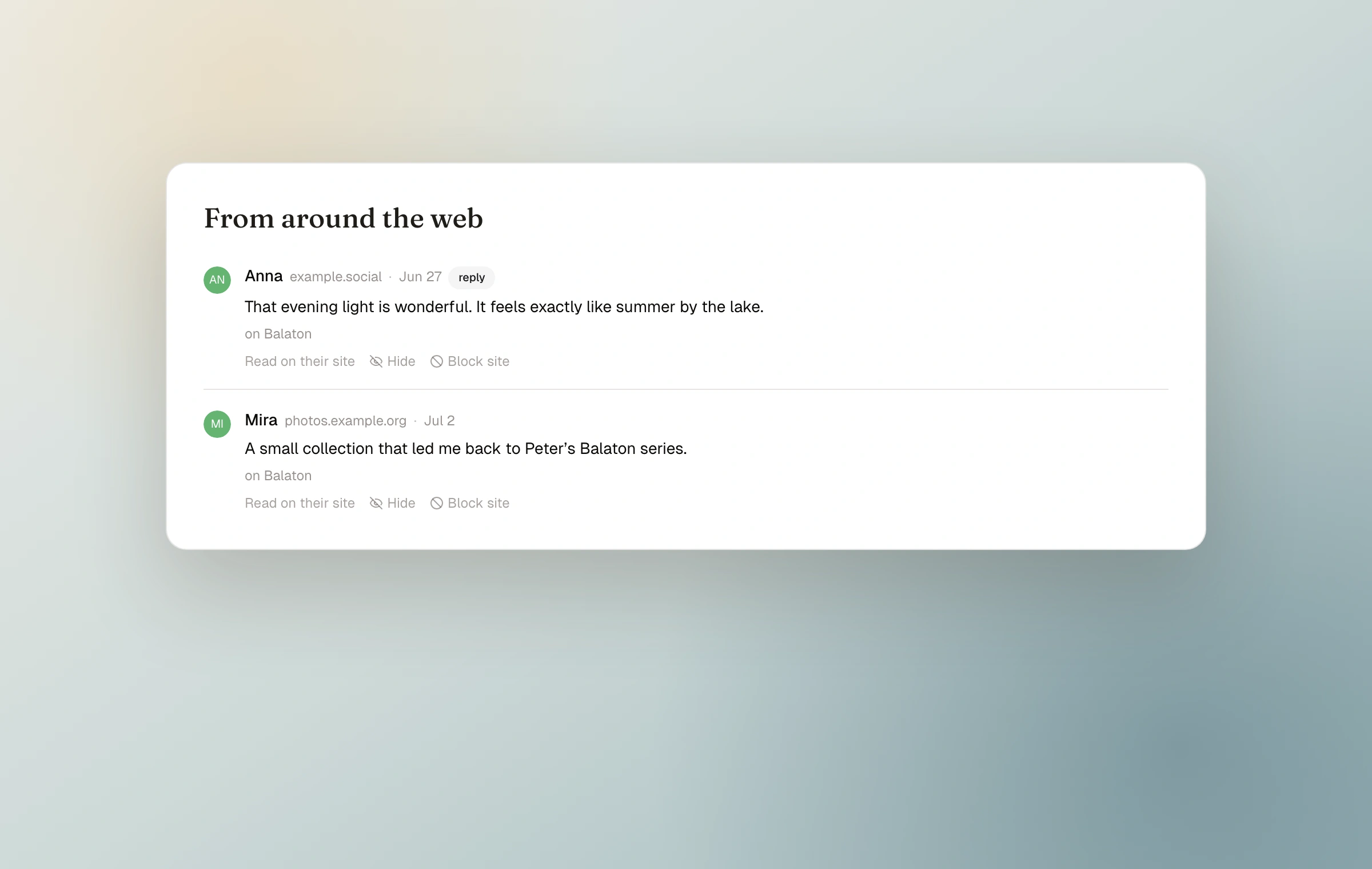
A limited Lifetime Founder package
Some people have asked for a one-time way to support Moments early. So I have added a limited Lifetime Founder package.
Read update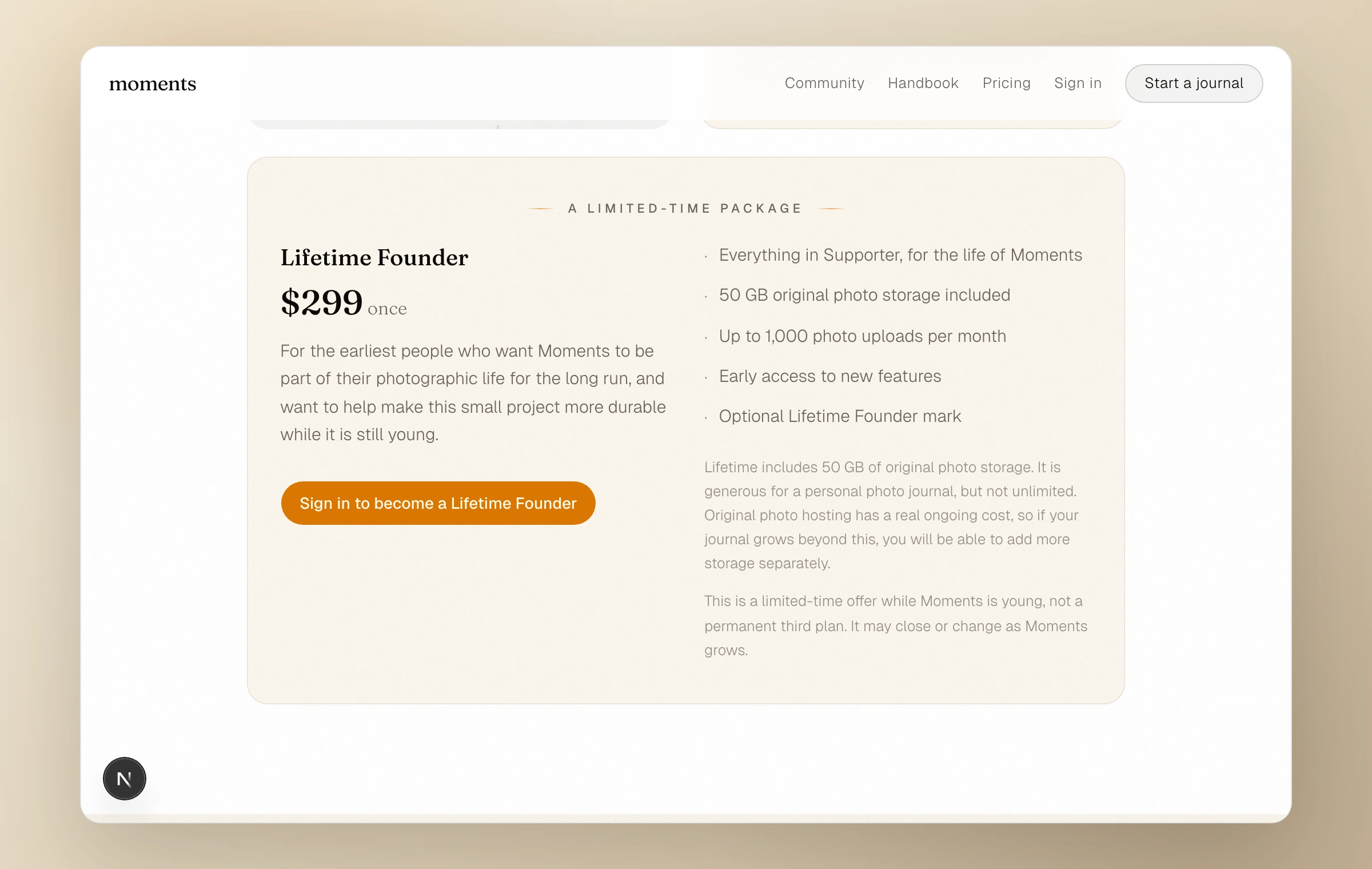
Put your moments on any site
You can now place a moment, or a feed of your recent moments, on any site that accepts HTML: your blog, a portfolio, a personal page. It carries its own quiet look, set by you, so it feels at home wherever you paste it.
Read update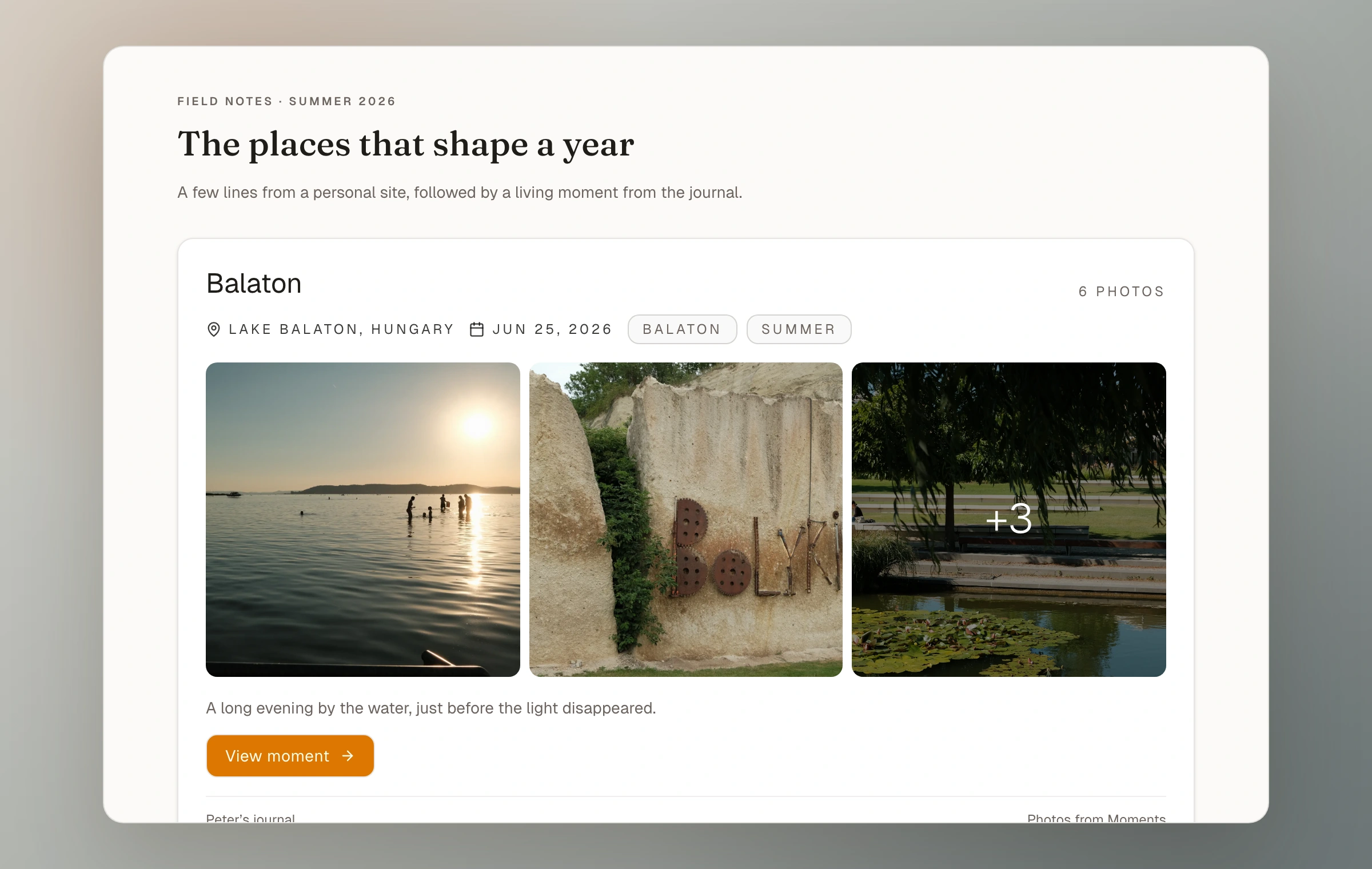
Moments joins the open web
Your journal can now be followed from Mastodon and other Fediverse apps. Moments you choose to share beyond your journal can reach open-web followers and, when enabled, receive quiet replies.
Read update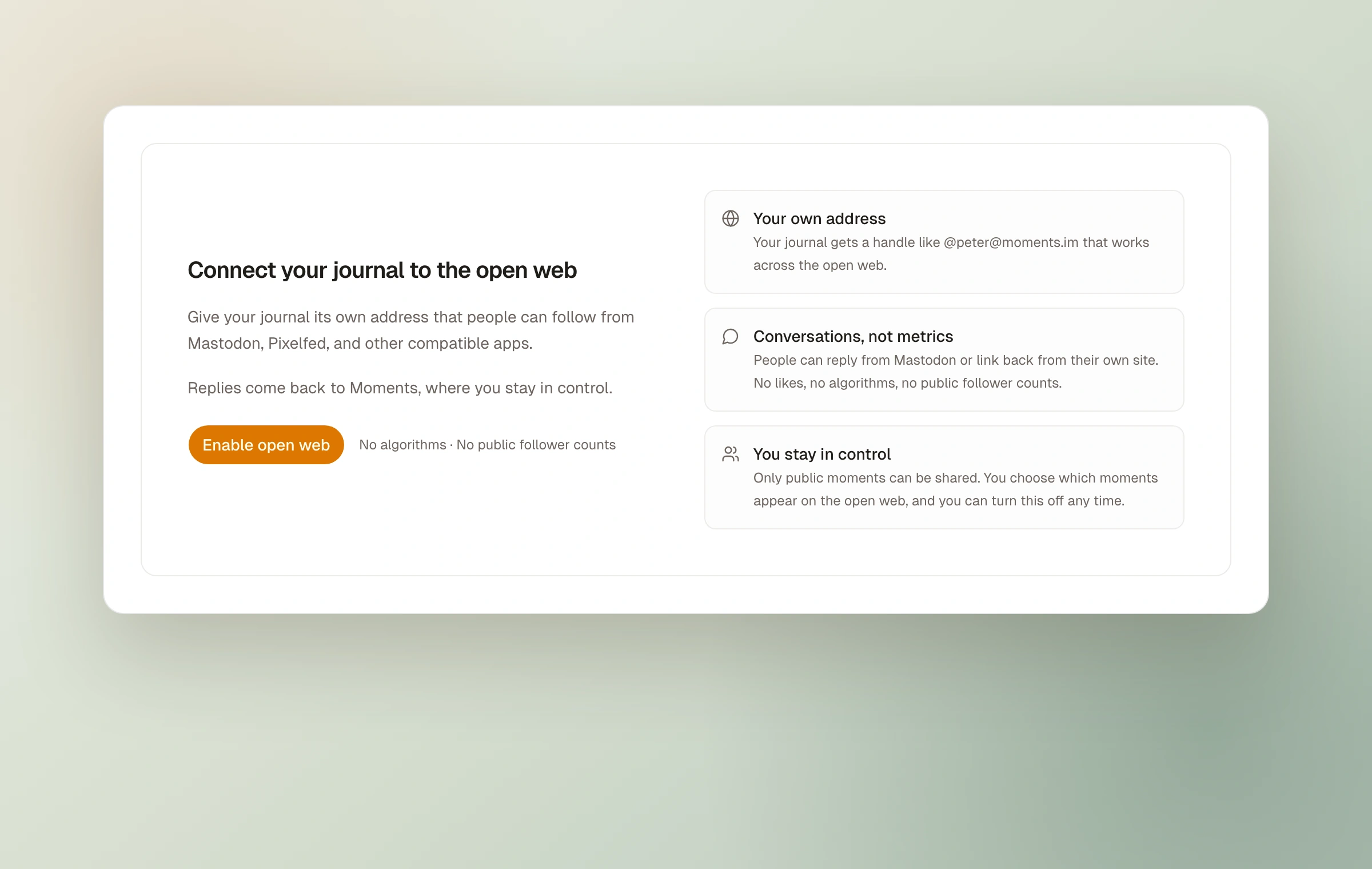
Collect whole moments
A collection could already gather individual photos from across your moments. Now it can gather whole moments too, so a collection can read like a small journal of its own.
Read update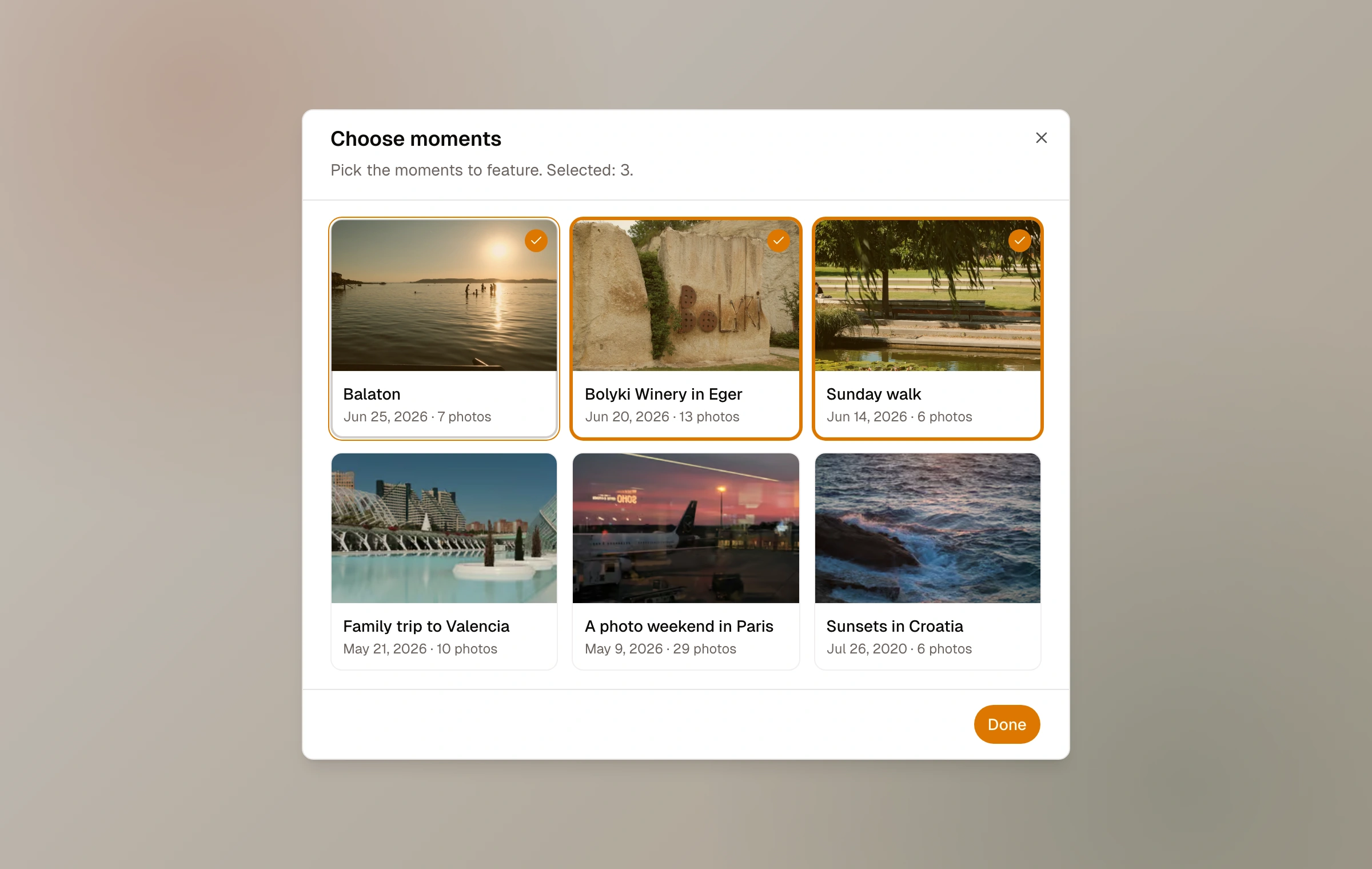
A caption for every photo
A moment has always had one field note for the whole set. Now each photo can carry its own short caption, and that caption describes the photo for screen readers and search at the same time.
Read update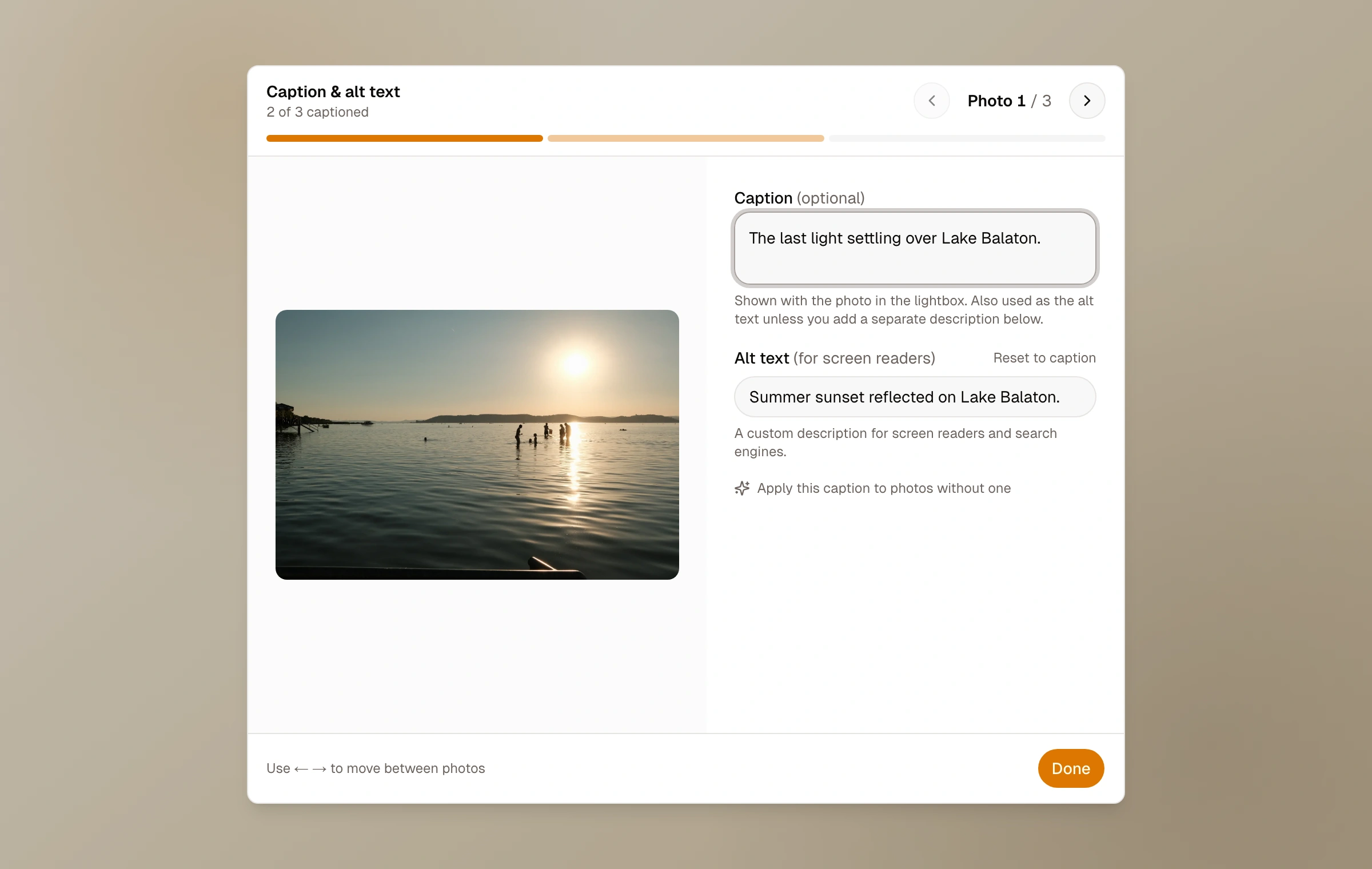
Founding Supporter
Founding Supporter was the first paid way to help keep Moments independent, with more room, custom domain support, and private analytics.
Read update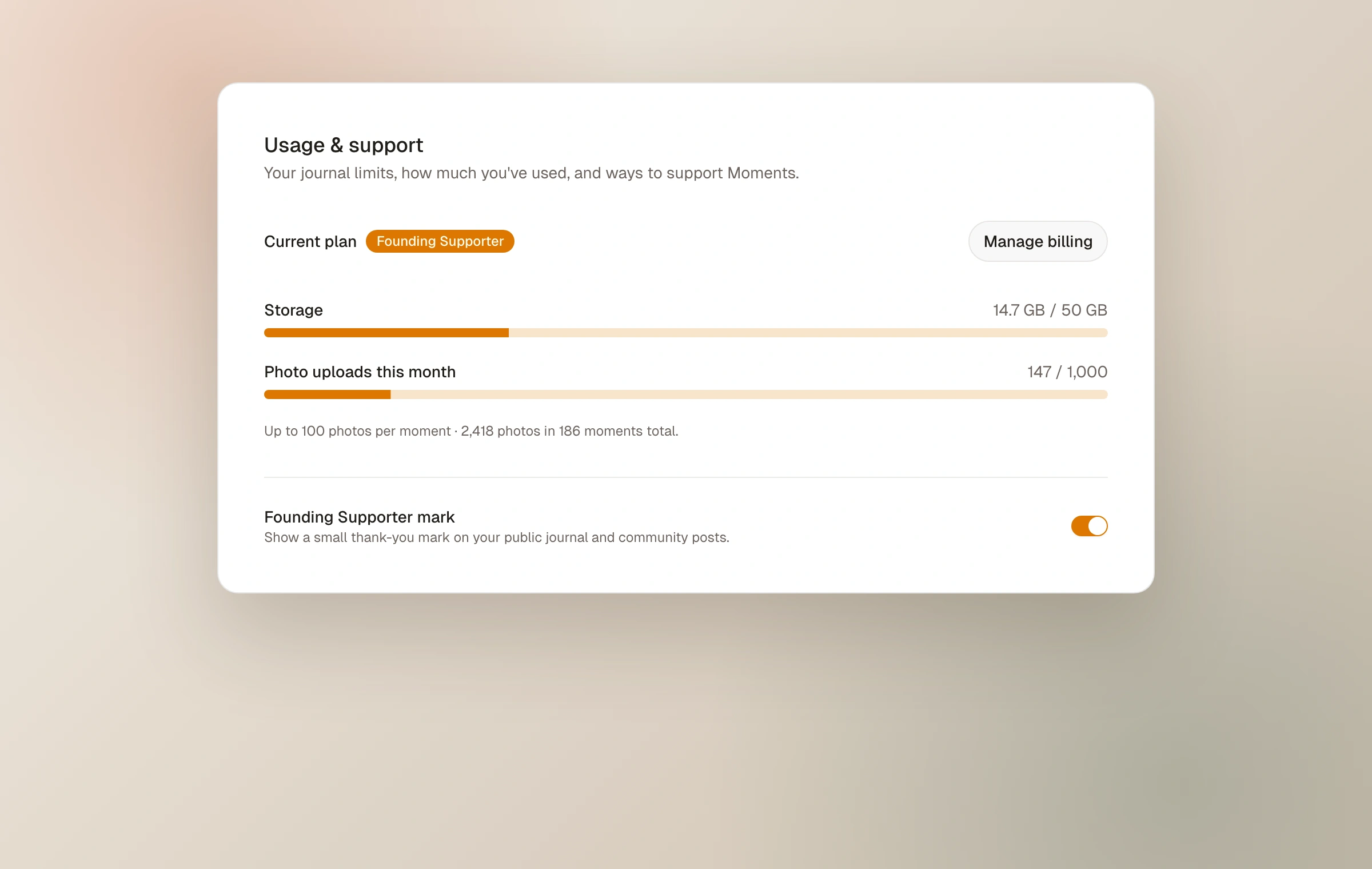
Add moments to your pages
Pages can now pull in your moments. Drop any moment into a page and it shows up as a tappable card with a photo preview, so a page can become a curated home for the work you want people to see first.
Read update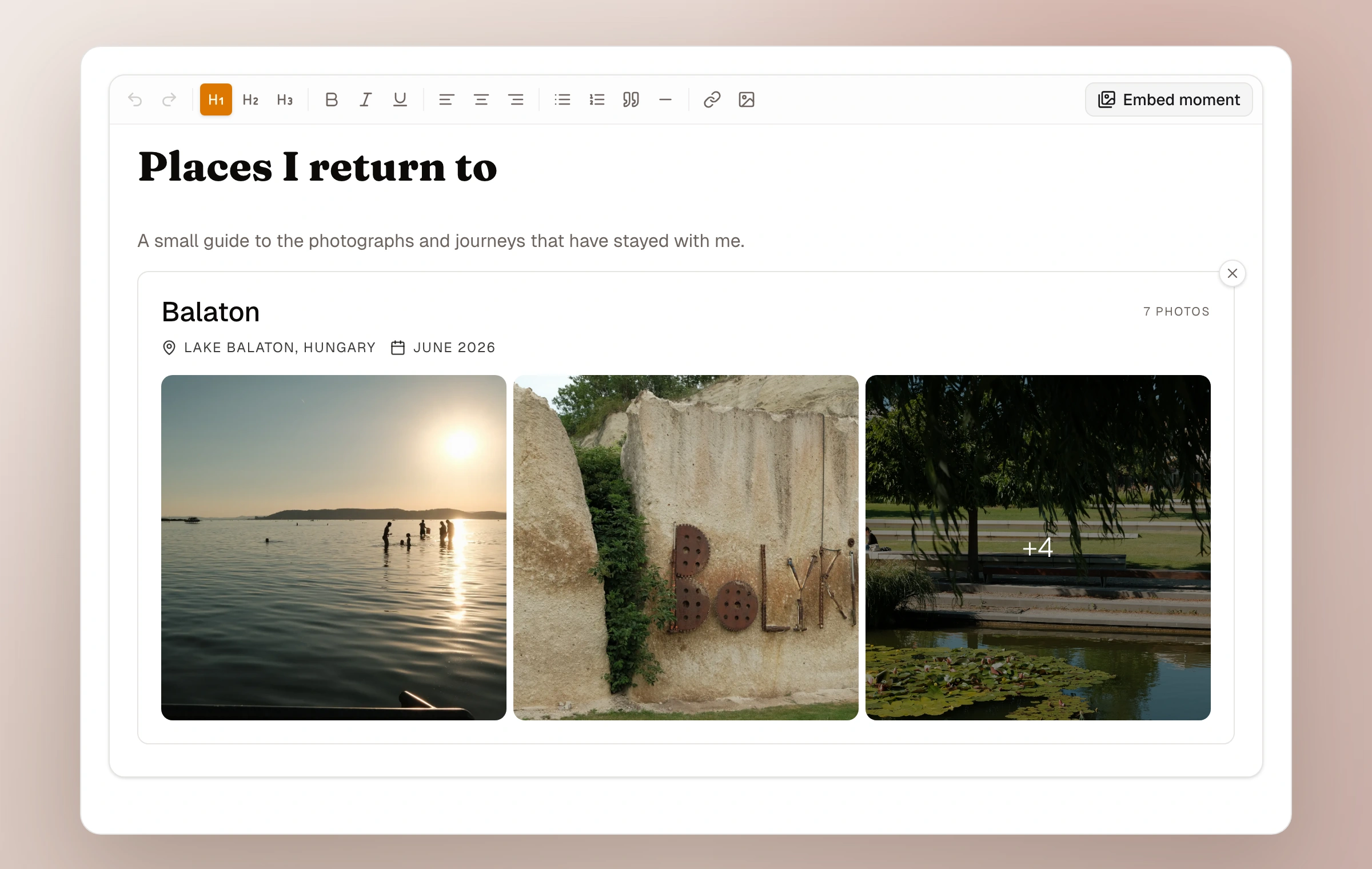
Your journal, at your own address
Journals can now live on a domain you own. Point yourname.com at Moments and your photos get an address that belongs to you, for as long as you want it.
Read update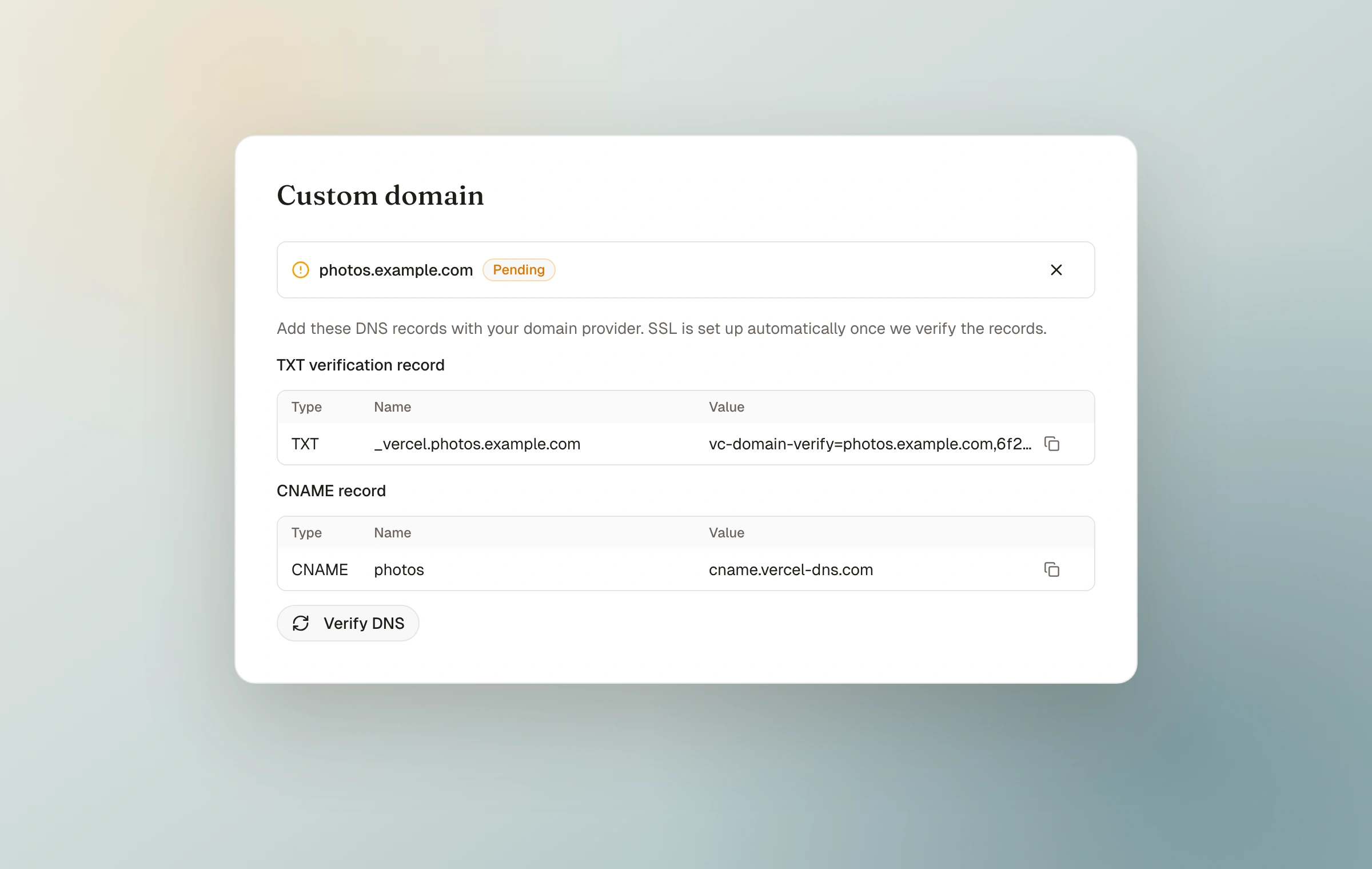
Give your journal its own pages
Every journal can now have pages alongside its moments. An about page, a gear list, a way for people to reach you. They live in your navigation and match your journal's style.
Read update