Open web
Follow journals with RSS
RSS is the quietest way to follow a site. A reader gathers new entries from the places someone chose, preserves their order, and waits until that person is ready to look. Moments journals publish the same kind of open feed automatically.
Every public journal has a feed
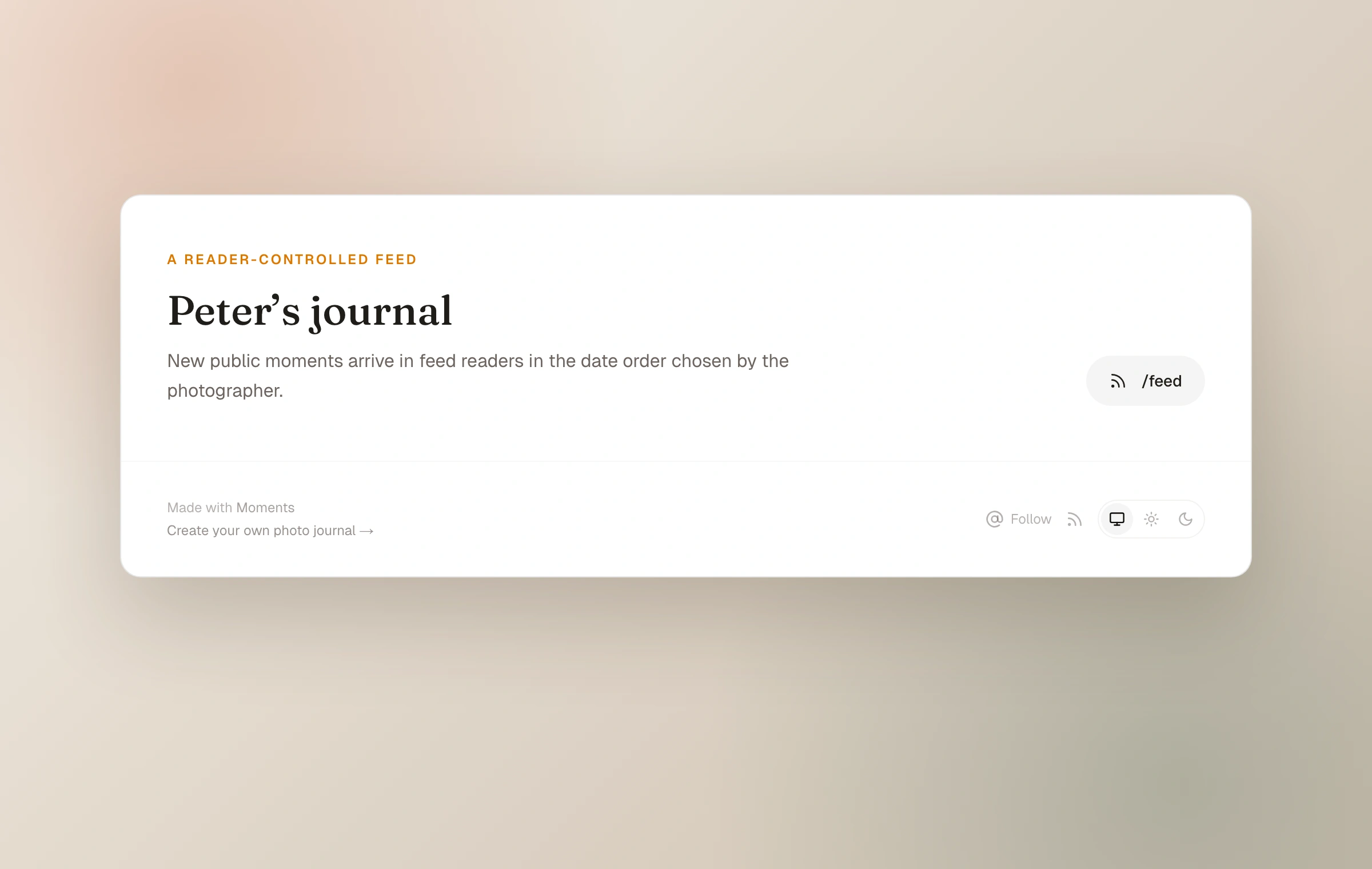
Add /feed to the journal address to reach its RSS feed, for example yourname.moments.im/feed. Feed readers can often discover it from the journal homepage alone, and the journal footer includes a feed link.
The feed contains recent public moments, ordered by captured date when one is set and otherwise by publication date. Unlisted and password-protected moments are not included. A subscriber is not creating a Moments account or a visible follow, and the journal owner is not shown a list or count of RSS subscribers.
Subscribe in any reader
- 01
Choose a feed reader
Use a dedicated reader, a web service, or a browser feature that supports RSS.
- 02
Add the journal
Paste the journal homepage or its /feed URL into the reader's subscription field.
- 03
Read in order
New public moments arrive chronologically, without ranking or a requirement to keep scrolling.
The community has a feed
The Moments community also publishes an RSS feed at /community/feed. It follows the community's recent shared moments rather than the entries from one particular journal.
RSS needs no Open web switch
RSS is part of the public journal by default and does not require the optional Fediverse connection. It is one-way and private to the subscriber: entries travel to a reader, but replies do not travel back through RSS.
Keep reading
Related guide
Connect the journal to the open web
How RSS, the Fediverse, and Webmentions let a journal meet readers beyond Moments without becoming a social feed.
Related guide
Share directly or with the community
Use stable links, decide what joins the chronological community feed, and keep public from meaning performative.
Related guide
Choose who can see a moment
A precise guide to Public, Unlisted, and Password, including the separate choices for community and conversation.