Moments
Publish, revise, and remove work
Publishing is not the end of editing. A journal is allowed to be a living place: correct a date, improve a caption, add a photograph, or bring a moment back into draft without rebuilding it somewhere else.
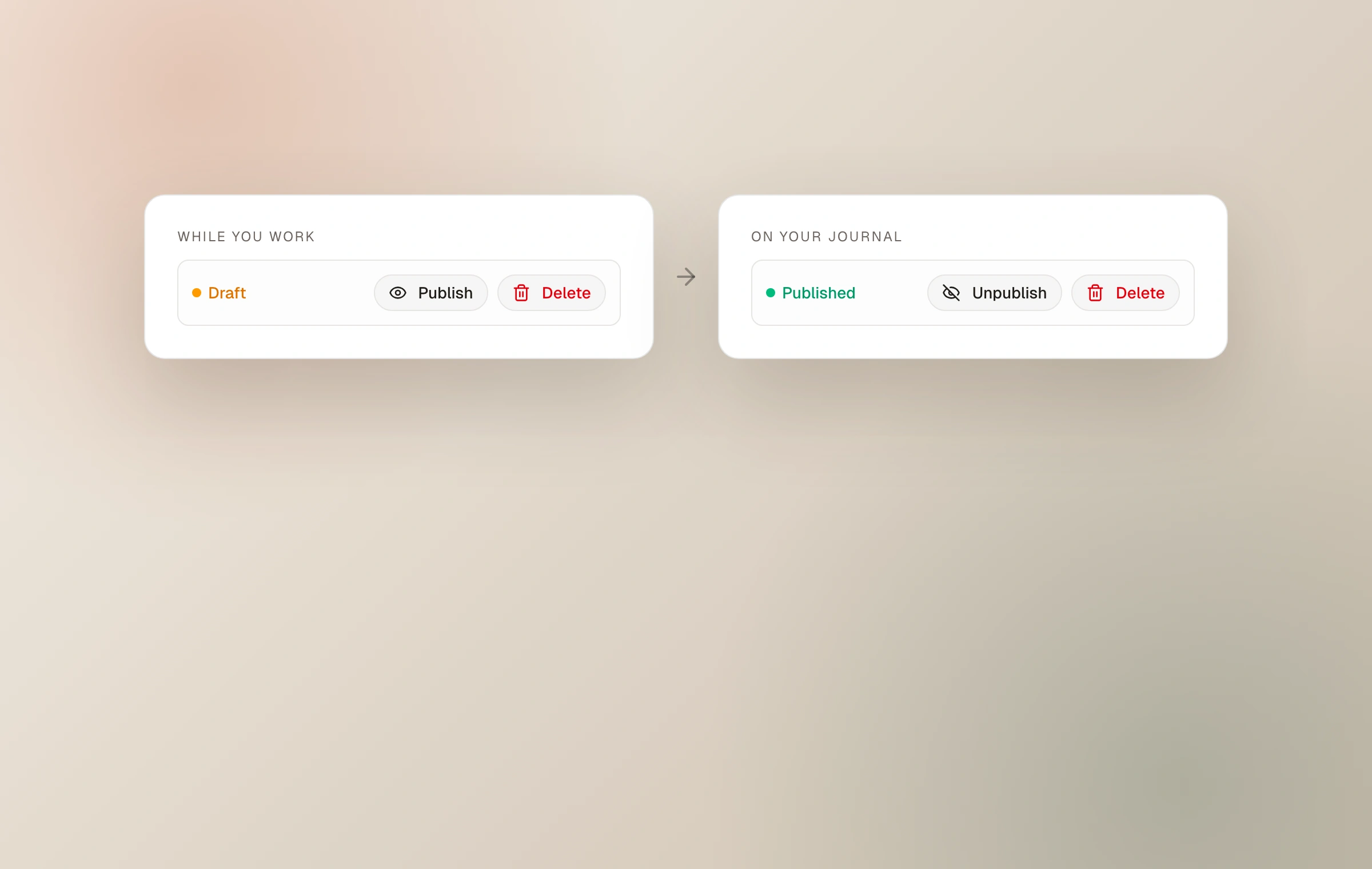
Draft and published are separate states
A draft exists only in your dashboard. A published moment has a journal URL and is served according to its visibility. Visibility answers who may open it; published status answers whether there is a live moment to open at all.
This distinction is useful for preparing work over time. You can save a draft before its sequence or words are finished, then publish from the editor when it is ready.
Edits travel with the moment
Changes to a published moment update the journal and other live views that refer to it. A collection is a curated view, not a duplicate. A page card or external embed also resolves the current moment, so a corrected title, new field note, changed cover, or revised set does not need to be fixed in every place by hand.
The same care applies to access. Changing a public moment to unlisted removes it from public discovery surfaces. Moving it behind a password closes its content behind the unlock screen. Changing a protected moment's password retires previous unlocks.
Unpublish before you delete
Unpublishing is the reversible choice when a moment needs to leave the live journal but may return. It keeps the work available to you in the dashboard. Deleting is for work you no longer intend to keep and should be treated as permanent.
If a moment has been shared widely, remember that copies may have existed in readers, caches, or remote Fediverse services. Moments can retract what it sent and stop serving the page, but no publishing system can promise to erase copies another party already kept.
Before deleting a significant body of work, download an export so the original files and journal metadata remain with you.
Links and titles
Published moments use stable journal URLs intended to be shared. A custom domain can become the canonical home without breaking the original moments.im address. That continuity is one reason to link to the moment itself rather than to a screenshot or temporary file URL.
Keep reading
Related guide
Choose who can see a moment
A precise guide to Public, Unlisted, and Password, including the separate choices for community and conversation.
Related guide
Curate with collections
Gather photographs from across the journal or arrange whole moments into a focused story of their own.
Related guide
Put Moments on another site
Embed one moment, a living collection, or a recent-moment feed with a layout and color chosen for its new home.
Related guide
Export your journal
Download original photographs, everything you wrote, structured journal details, and a static website you can open offline or host yourself.