Your address
Use a domain you own
A custom domain puts the journal at an address that belongs to you. It is useful branding, but more importantly it makes the public route to your work portable in the same spirit as exporting the photographs and writing themselves.
Custom domains are included with Moments Plus. See plans and pricing.
What you need
You need a domain you control and access to its DNS settings. You may connect an apex domain such as example.com or a subdomain such as photos.example.com. Custom domains are part of Moments Plus, and the dashboard will make that clear before setup.
Connecting a domain does not replace or release the journal's moments.im subdomain. The original platform address continues to work, which protects links you shared before the move.
Connect and verify
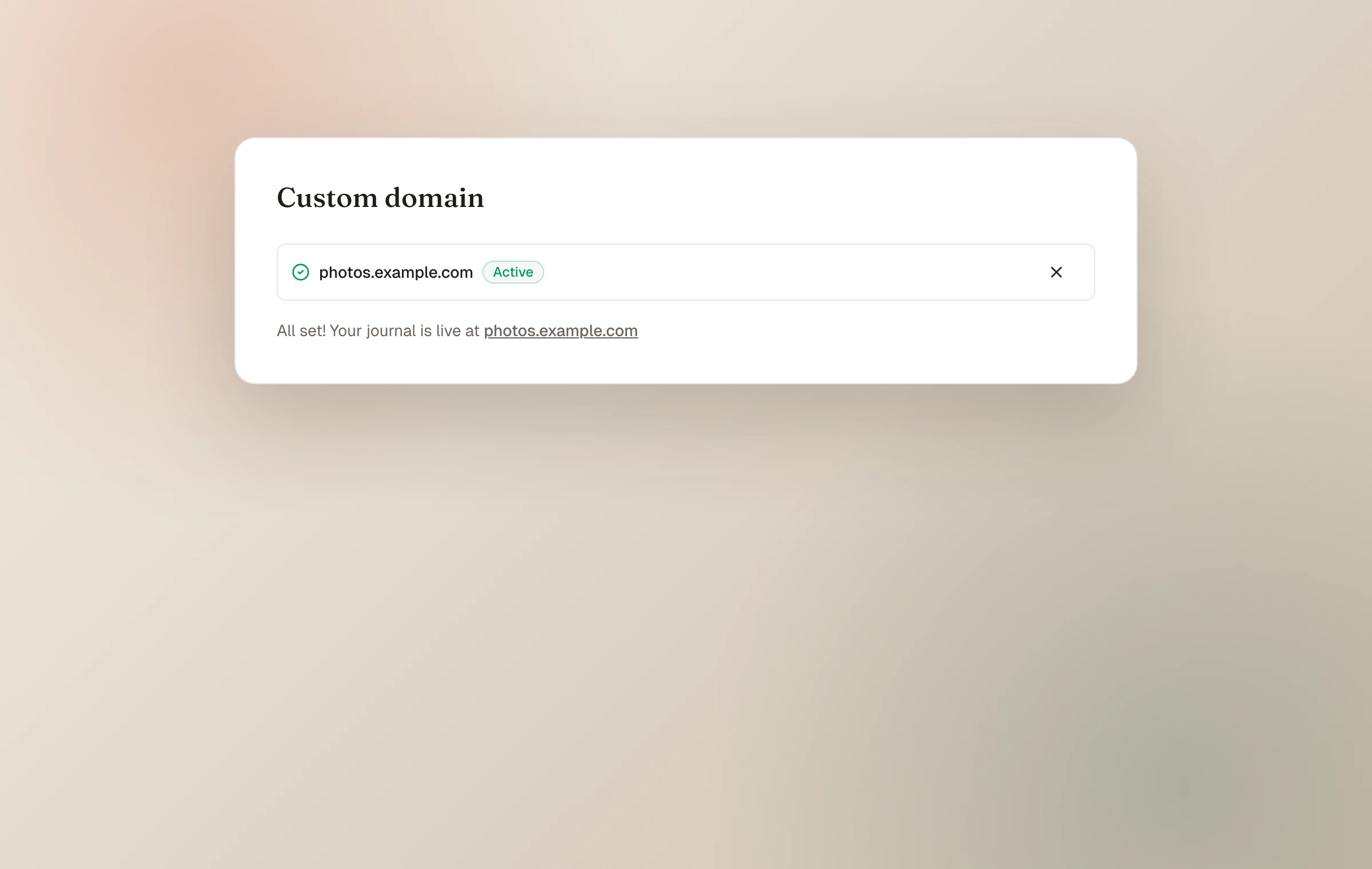
Enter the desired domain in Domain settings. Moments then shows the DNS records needed for that exact address. Add those records with the provider that manages your DNS, return to the dashboard, and allow time for the change to propagate and verify.
Once verified, certificates are handled automatically and the custom address becomes the canonical location for the journal, its moments, pages, and collections. The on-screen record values are authoritative because DNS requirements differ between an apex and a subdomain.
- 01
Add the address
Enter only the domain or subdomain you own, without a page path.
- 02
Copy the shown records
Create the exact DNS records Moments provides at your DNS host and remove conflicts for the same host if necessary.
- 03
Wait for verification
DNS changes can take time to appear. Keep the records in place while Moments checks them.
- 04
Test the journal
Open the custom address over HTTPS and follow a moment or page link before announcing it.
What keeps working
The moments.im address stays available alongside the custom domain, while canonical links point to the owned address. If Moments Plus access lapses, the custom domain can pause without deleting the journal or its setup; the moments.im address remains the reliable way in and the custom domain can reconnect when access returns.
DNS panels use different names for the host field. Follow the values shown by Moments and your provider's convention rather than copying an example domain from the handbook.
Keep reading
Related guide
Journal identity and appearance
Shape the name, introduction, color, typography, spacing, header, and light or dark character of your journal.
Related guide
Plans, upload limits, and storage
Understand Starter and Moments Plus allowances, what each limit counts, and what changes if paid access ends.
Related guide
Export your journal
Download original photographs, everything you wrote, structured journal details, and a static website you can open offline or host yourself.