Account
Billing and account basics
The account is the key to the journal and its originals. Billing controls should be easy to leave, while deletion should be deliberately difficult. Moments keeps those jobs separate: Usage & support for the plan, Account for the irreversible end of the journal.
Sign in and recover access
The journal belongs to the email account used to create it. Keep that mailbox secure and use the sign-in flow to return to the dashboard. If the password is forgotten, request a reset from the sign-in area and follow the time-sensitive link sent to the account email.
Email verification and password reset messages are security boundaries. Do not forward them, and make sure a reset request came from you before choosing a new password.
Use the plan screen as the source of truth
Settings → Usage & support shows the current plan, storage and monthly upload progress, the per-moment allowance, and the account's total photographs and moments. It is also where an eligible owner can start Moments Plus or open the billing portal for an active recurring subscription.
Trial, active, past-due, and cancelled are distinct billing states. A trial screen names its end date and continuing price. A cancellation stops future renewal according to the billing terms; it does not require deleting the journal. Legacy founder subscriptions and lifetime access are labelled separately so their promises are not mistaken for the current recurring plan.
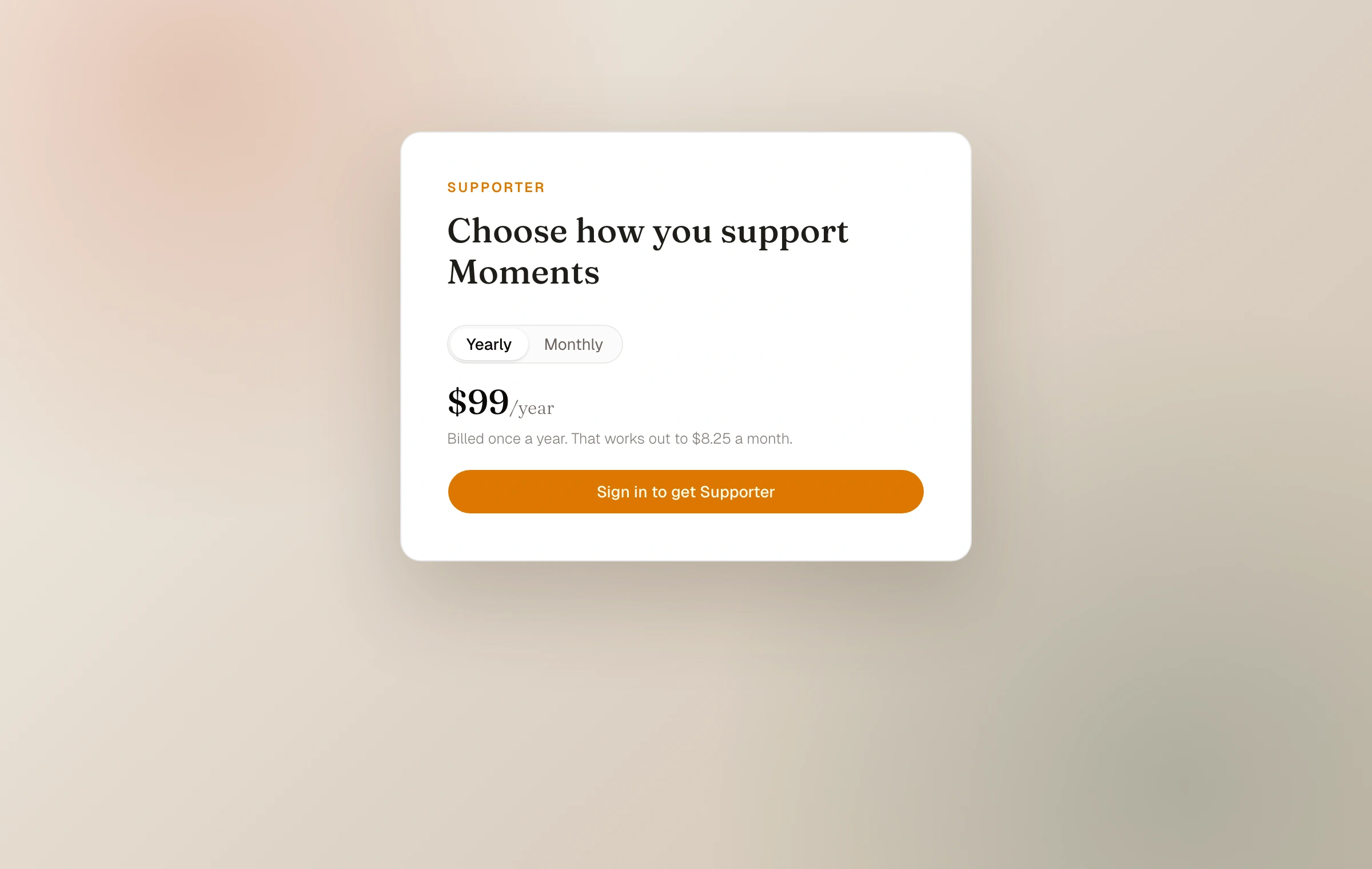
The supporter mark is optional
Paying plans can show a quiet supporter or founder mark on the journal. It is a thank-you, not an advertisement, and can be turned off from Usage & support without changing the plan or its features.
Delete only when you mean everything
Account deletion permanently removes the user account and entire journal: every moment, photograph, page, and collection. It releases the subdomain and cannot be undone. The confirmation requires the current password and a journal-specific phrase so an accidental click cannot erase the archive.
Cancelling Moments Plus and deleting the account are not the same action. Cancel the subscription if the goal is only to stop paid renewal. Delete the account only when the journal and its data should cease to exist.
- 01
Export first
Download the ZIP, open it, and verify original photographs and journal.json.
- 02
Resolve billing separately
Use the billing portal if the intention is to manage renewal rather than erase the journal.
- 03
Confirm the permanent action
In Account settings, enter the password and exact confirmation phrase only after the archive is safe elsewhere.
Deletion is permanent. The subdomain is released, so a future account may not be able to reclaim the same address.
Keep reading
Related guide
Plans, upload limits, and storage
Understand Starter and Moments Plus allowances, what each limit counts, and what changes if paid access ends.
Related guide
Export your journal
Download original photographs, everything you wrote, structured journal details, and a static website you can open offline or host yourself.
Related guide
Begin a photo journal
Create a home for your photographs, choose its address and character, then publish your first moment.