Add moments from the apps you carry
Every journal now speaks Micropub, the open web standard for publishing to your own site. Approve an app once and it can add moments from wherever you are, photographs and field note included.
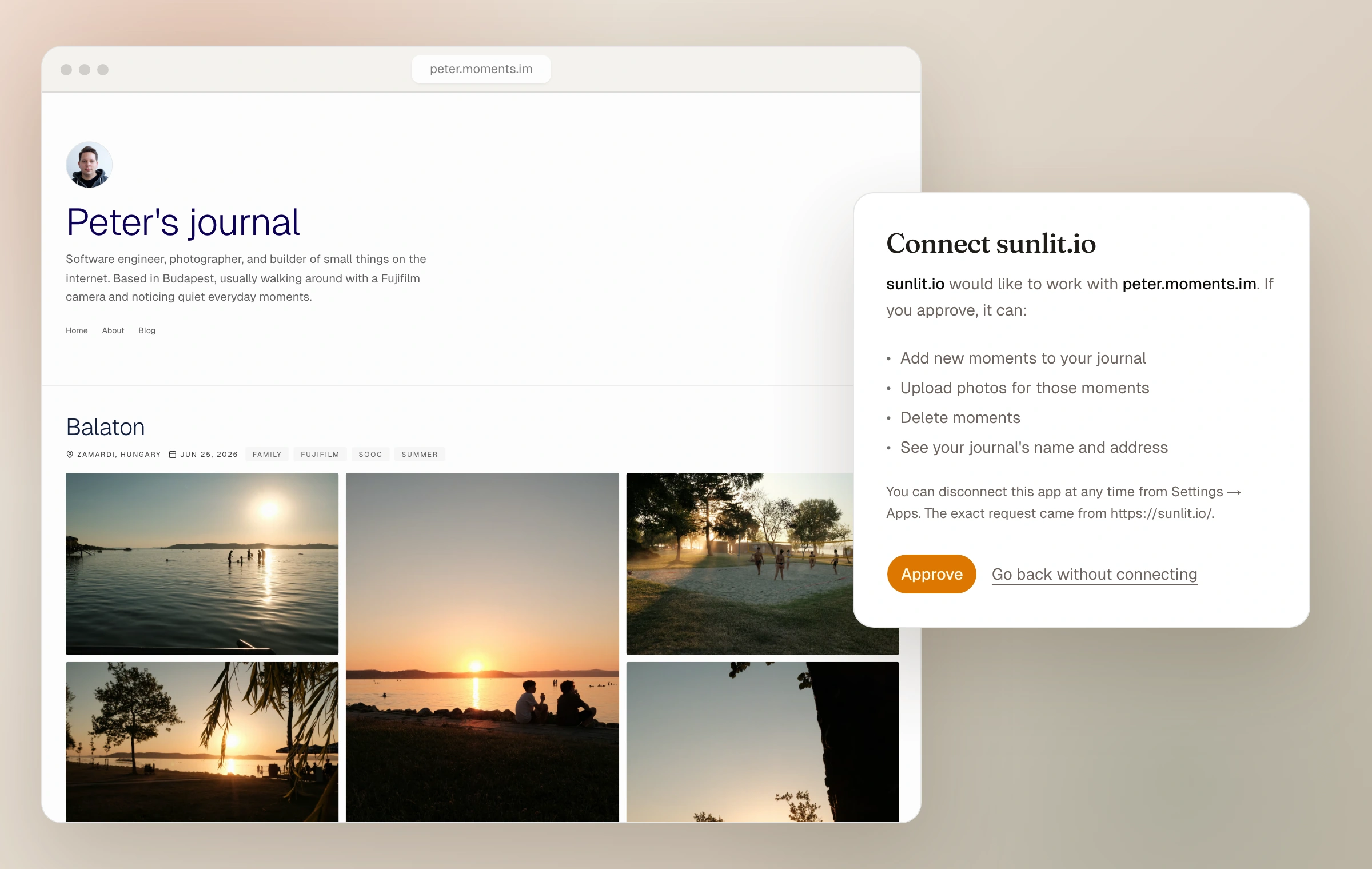
Micropub is a W3C standard: instead of posting into someone else's network, an app posts to a site you own. Give a Micropub app your journal address, approve it on a page that shows exactly what it asked for, and it can add moments to your journal. Photographs come through with their EXIF and capture date, the app's text becomes the field note, its categories become tags, and a post marked as a draft arrives unpublished, ready to finish in the dashboard.
You stay in charge the whole way. No password ever goes into the app itself, Settings has a new Apps page listing everything you have approved, and disconnecting an app takes one click; the moments it added stay yours. Publishing from apps is part of Moments Plus, and like the rest of Plus it rests rather than breaks if access pauses.
- Works with Micropub apps like Indigenous and Sunlit
- Photos, field note, title, tags, and drafts all carry over
- A new Apps page in Settings shows and disconnects approved apps
- Part of Moments Plus
How it works now
Read about publishing from apps