A caption for every photo
A moment has always had one field note for the whole set. Now each photo can carry its own short caption, and that caption describes the photo for screen readers and search at the same time.
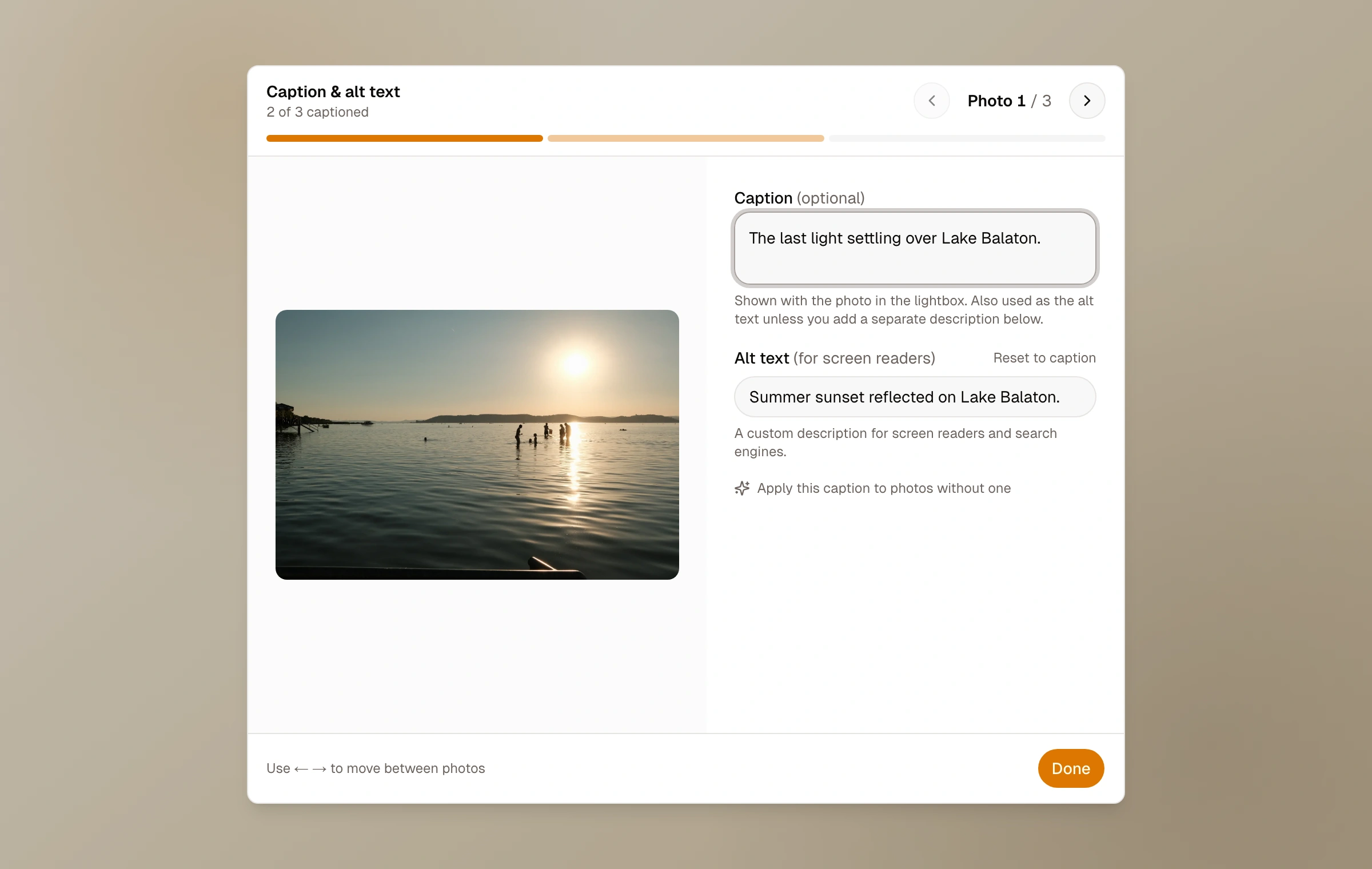
Sometimes a single frame deserves its own line: where it was taken, what was happening, why it mattered. You can now add a caption to each photo while creating or editing a moment. Every photo gets a caption button, and a focused editor opens with a large preview, so writing a caption feels like looking at the photo. Move through the whole set with the arrows or the stepper without leaving the editor.
Your captions appear in the lightbox, next to each photo, as readers look through the set. The moment's field note still sits with the moment as a whole, and the captions simply add a quieter, per-photo layer.
Each caption also becomes the photo's alt text, the description screen readers read aloud and search engines rely on, so your photos get more accessible and easier to find with no extra step. If a particular photo needs a different description, you can write a separate one. Otherwise the alt text just follows your caption.
- Add a caption to each photo, not only the moment
- A focused editor with a large preview, plus arrows through the whole set
- Captions show in the lightbox as people view your photos
- Each caption doubles as alt text for screen readers and search
- Write a separate description anytime you want one
How it works now
Read the captions and alt text guide